
Finally! After ages of using Vivaldi as my browser of choice on my laptop, there is an iOS version of Vivaldi that I can use on my iPhone! I just installed it and synced it and now all the stuff I save off on my MacBook Pro should be available on my iPhone. Now I just have to put it onto my iPad. Thanks for the memories, Google Chrome for iOS but your day appears to have come to an end at last!
Tag: iPad
April Tracking is Done
I finished putting lead guitars on the two songs I still have going for April’s entry in the Record Every Month challenge. One song is terrible. The other is just weak.
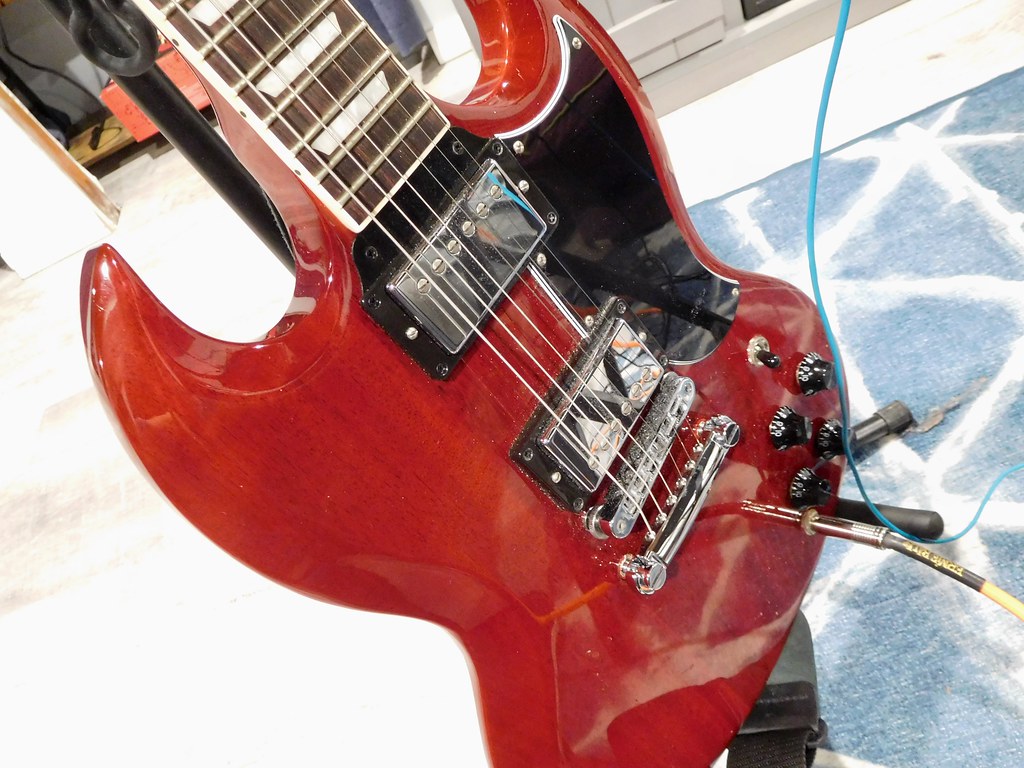
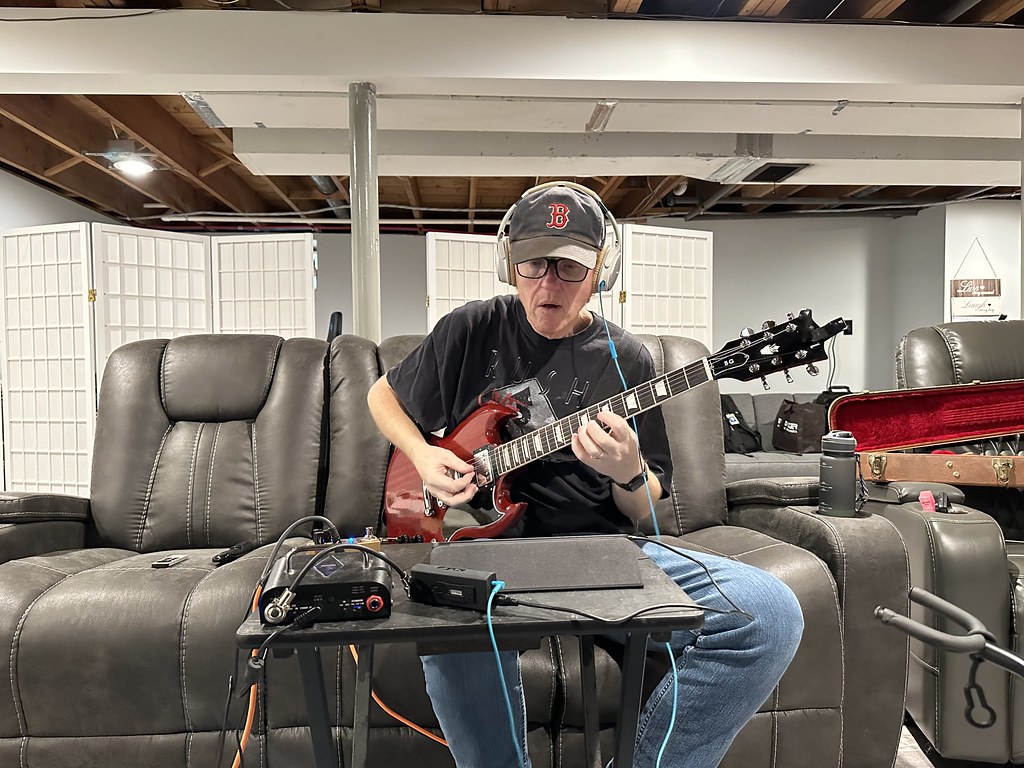
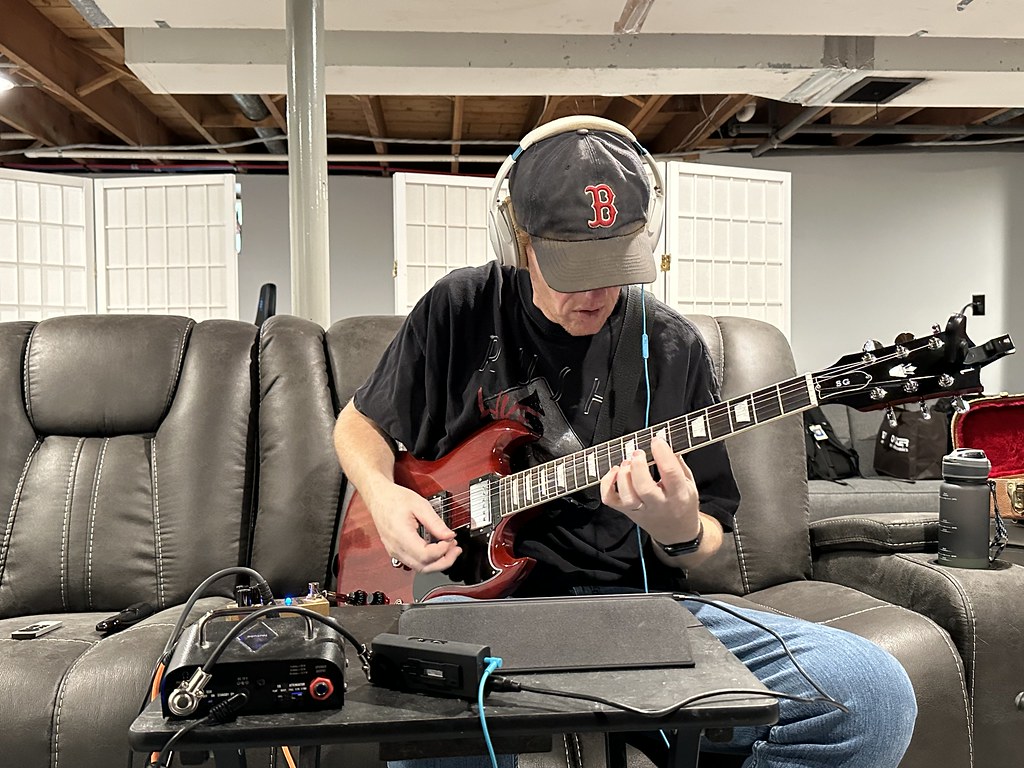
Here is my “studio” for today. Note there are no Fender Stratocasters in sight.


How about a selfie or two? How lame am I?
Time Lapse Nerd
My favorite parts of this are the clock and the sun going down.
Road Trip on the Books
It’s official. I’m Vermont bound in the morning. Three hours up, drop off a laptop, three hours back. Sounds like a fun day to me.
The last time we went up there we took the kids to lunch. Covid dictated we get take out and eat it in the car. Someone, I’m not sure who, did not finish their lunch (it wasn’t me, I scarfed my sub down like the universe depended on it). I went to get something out of the car this morning and… oh the smell was powerful. I cleaned out the food and opened all of the windows. I think it’s okay now.
I mentioned before that I started a time lapse video with my iPad before work this morning. It’s still running. I’m going to stop it soon. It’s been over 10 hours. That should be a pretty good chunk of data for the iPad to work with.
I was thinking about time lapses and the road trip that’s coming and trying to figure out a way to have a time lapse running out the window of the car for the whole way up and the whole way back. Can I do that? I’d have to figure out a way to either aim out the window, or balance the iPad against the window. I think it might be more trouble than it’s worth. I wish I still had that little iPod Touch. If I could keep it plugged in that would work. Too bad it died.
Oh well. Probably not worth the effort.
Okay, I need to go blow out the candles. Talk to you later.
Yet Another Time Lapse
Behold! The melting candle! Yet again!
iPad Multitask
I just used the iPad’s multitask function for the first time. I was taking notes on songs I might want to re-record. Chrome was open on the left half of my screen, playing tracks from alonetone.com, while Trello was open on the right so I could add a comment to each song’s card.
It was so cool it literally changed my life.*
* #sarcasm
CPAP Fail
I’m really tired right now and it might be my CPAP machine’s fault. Well… my fault, but related to my CPAP machine.
I turned in around 11:30 last night… I think. (We’re using lots of ellipses in this post already. We might be shooting for a… world record) My watch told me I was asleep around midnight, which seems a bit later than I remember, but whatever. I woke up at about 1:30am (the watch didn’t catch that though) and realized I didn’t have my mask on. I laid down on the couch, expecting to spend some time reading before I went to sleep, and next thing I know it’s like two hours later.
Now if I fell asleep while reading, I would expect my iPad would have fallen out of my hands, right? Given how I was laying on my back and holding it in front of me, I could reasonably expect that it would have actually bashed me in the face. Nope. It was actually laying down next to me with the alarm clock app open and the alarm set for 6:30am. Did I set the iPad up the way I always do when I sleep on the couch (thanks to the CPAP machine that is a super rare occurrence now) in my sleep? Because I don’t remember doing it. I remember setting the alarm, but not putting it down with the clock app having focus and the screen turned off.
So I realized what was going on and put the mask on and switched on the CPAP machine and had a decent night’s sleep for the remainder of the night… but that whole experience was just… weird.
I mean… weird.
Now it’s 2:00pm and I am wrapping up my lunch break and I am seriously ready to go back to bed. Go figure.
I am Bad at Predictions
More proof that I ain’t no prophet, right?
In the last post I wished everyone an easy Friday at work. Within 10 minutes of punching in this morning I got hit by a metaphorical bus known as one of our biggest customers. Everything is under control now, but yikes, eh?
Why does Apple’s podcast app suck so bad? Specifically on iPadOS. It keeps crashing and losing it’s place and what the hell, bro? I already listened to that Loki Episode 2 podcast, I don’t want to listen to it again, and I was halfway through this other Loki Episode 2 podcast so why are you starting from the beginning again? Also, where the hell are the new episodes of podcasts I subscribe to? They aren’t all a day late, are they? Come on, Apple. You want to lose to some crap fest like Stitcher? Or, heaven forbid, Spotify? Crud, babie. Crud. Get your podcast catching ass in gear, okay?
So, Loki… are they going to pull a fast one on us and have the TVA end up as the bad guys? If you think that’s a spoiler, read the title of this post again. No spoilers here, unless we’re talking about Fear the Walking Dead. I’ll spoil the shit out of that dumpster fire (no I won’t). Those of us who are still watching deserve it. Masochism, babie. Masochism.
I need to play guitar this weekend. I need to cut the grass, but I need to play guitar. Do you get where I’m coming from? While I need to watch the new Rick and Morty episode this weekend, I need to play guitar. Yeah, you’re picking up what I’m putting down.
Okay then. Back to work, fat boy. Back to work.
The MLB App Pisses Me Off
When I’m working at home I like to stream audio from my iPad to the HomePods in my bedroom office via AirPlay. Podcasts, music, sometimes radio, whatever.
The exception is baseball games. The MLB app for iOS lets you stream radio broadcasts for every game from every team’s local broadcast. If I use the speakers in my iPad it generally works all right. If I stream it to the HomePods… Not so much.
I set the iPad to AirPlay to the HomePods, then I open the app and connect to the Red Sox, WEEI broadcast and it doesn’t stream. It plays through the iPad speakers. Why? It also screws up the user interface so that switching back to the iPad (even though it’s actually coming through the iPad speakers) isn’t easy to do. You have to do a couple of extra swipes and taps before you can reconnect to the actual device that is already working.
A few process kills and a reboot and some magic tricks and eventually I get the app playing through the HomePods. Except that it isn’t. Instead of the live radio broadcast, which was streaming fine a second ago, it is playing television highlights from NESN. When I switch to the Boston Spanish broadcast it’s fine. When I switch to the opposing team’s radio broadcast it seems fine, when I switch back to the WEEI stream it’s NESN again.
I switch from my iPad to my iPhone and everything works fine. Thanks a pant load, MLB.
FYI
Just a little FYI for all of my fellow Apple fangirls and fanboys.
Fruit Ninja on Apple Arcade is just as wonderful as it was when the iPad was young. Zen mode doubly so.
You’re welcome.
 Inside the Red Head's Head