
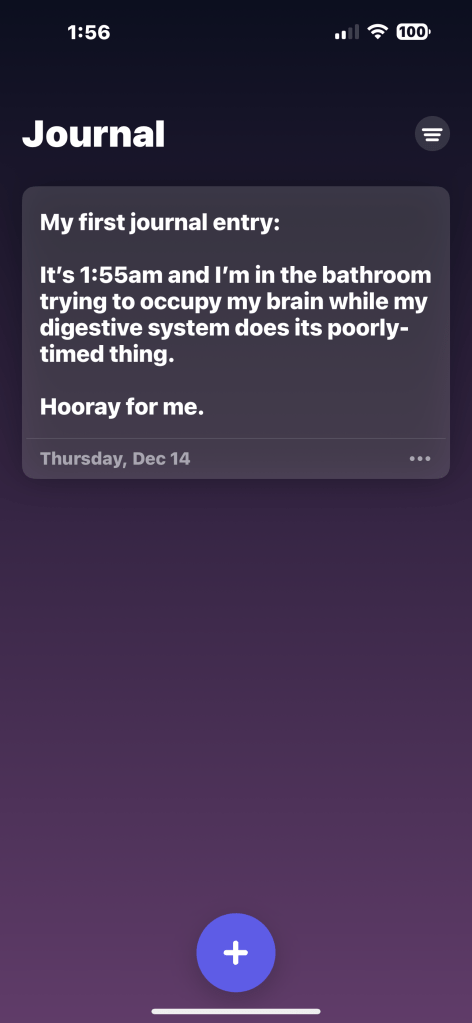
The New iOS Journal App
I just updated my iPhone 14 to iOS 17.2 and now the clock doesn’t work when the phone is in Night Stand mode.
Oh, good.
It took me about 35 seconds after updating to find a bug. That does not seem like a very good sign to me.
Just in case you were thinking I wasn’t a total Apple fanboy nerd…

I have a new workspace for telecommuting. I had a desk in the cellar that had a work computer section and a personal computer section. When I took my photo a day pic at lunch time or whatever, I could plug my Nikon Z5 into my personal computer, a MacBook Pro, and pull the RAW file into Apple Photos, convert it to a PNG, and then upload it to Flickr.
On the new desk, I don’t have the Mac next to me. It’s just Windows. That means I don’t have a way to convert from RAW to something else. I suppose I could find an app to do it, but I don’t want to install anything on my work laptop. Instead, I changed my camera workflow a little. Instead of saving RAW files, I am not saving a RAW file and a JPEG. I’m also saving the two formats to separate memory cards. RAW goes to the card in slot one, and JPEG goes to the card in slot two. That means I can put the JPEG card into my USB card reader, and upload to Flickr directly from the card. That way I am not saving anything to my work computer, and I can still take care of my photo a day thing during the work day.
Here is proof that it works:

Success, babie!
Today is the release day for the new MacOS! Sonoma should be available, but it hasn’t shown up in my Mac App Store yet.
I have to say that there isn’t a whole lot here that I am excited about, apart from the normal “newer is better (and hopefully faster and more efficient, but who really knows)” vibe. I might look into widgets. I don’t really use them on my iPhone and barely acknowledge they exist on my iPad. Maybe I’ll see what’s out there for hockey and baseball and notepads and weather and news headlines and blogging stuff and random things like that.
I don’t use Safari so even though some of the updates are interesting, I am never going to see them. Oh well. That’s the downside of using third party browsers, I guess.
Whatever, Happy MacOS Sonoma Day, Apple fanboys and fangirls. Enjoy the day (assuming the download actually becomes available in your neck of the woods)!
Ironic yet unrelated note, I was prompted to take an OS update in Windows on my work machine today. What a small world, huh?
ADDENDUM: I guess the Mac App Store was just waiting for me to start complaining on the blog because the OS Update download became available to me just a few minutes after initially I published this post. Thanks, universe!
The lightning connection on my iPhone 14 Pro Max isn’t working. It’s been spotty for a couple of months, but over the last couple of weeks it’s failed completely. I plug a lightning cable into it and nothing happens. Zilch. Nada. Fun that something goes wrong right about the same time I decide to make it my go-to point and shoot camera again. As eight year old Bellana (my 22 year old step daughter) used to say, aw fiddlesticks.
I made a genius bar appointment for this afternoon to have it looked at. I had something similar happen with a headphone jack on an older model iPhone once before. In that instance they were not able to fix it and they gave me a new phone. I hope it doesn’t come to that today. I don’t want a new phone. I don’t want to have to go through the restore process. I did force an iCloud backup today, just to be on the safe side, but I hope I don’t have to use it.
Fitting that this is happening two days before Apple is expected to announce the new iPhone. Will it be called the iPhone 15? Probably but who knows. I am not planning to upgrade this year. I will probably do it next year, but I’m going to give it a miss for now. Part of the reason I hope I don’t have to replace my phone today is because it would suck to get a brand new 14 two days before the 15 is announced. That would be almost like adding insult to injury.
My genius bar appointment is in one hour and 35 minutes. Wish my poor, sick little iPhone 14 Pro Max luck. Poor, sick little monkey.
ADDENDUM: The iPhone lives! It was just some schmutz jammed into the port. The genius bar dude cleaned it out and now it works fine. Life is good!
When the iPhone was announced I thought it was meh.
Then the iPad, same thing.
Then the Apple Watch, again the same thing. Meh.
Then within minutes of trying all three they became indispensable. Literally can’t deal with not having them.
Now we have Vision Pro…
I suddenly NEED me some AR.
I NEED IT!
Introducing Apple Vision Pro: Apple’s first spatial computer.
ADDENDUM: And then Robert saw the $3,499 price tag and suddenly he wasn’t as into it as he was before.
I saw this while stuck in traffic this morning.
Do you think that’s really Steve Wozniak?
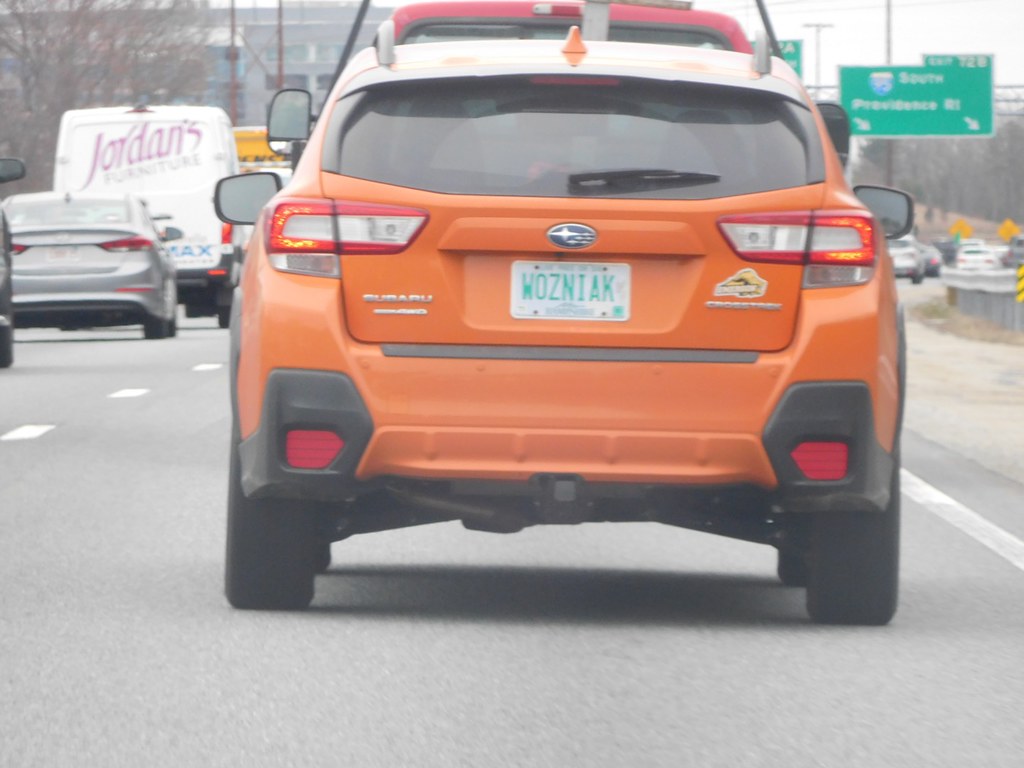
I was listening to a tech podcast yesterday that said Woz likes to play polo on segues. Is that true? Can anyone get in on that or do you have to be an 80’s tech legend?
I kinda wish I still had my old Apple IIe. Not because I would still use it, just because it’s legen-wait for it-dary, legendary.
Side note, the in the office migraine is still a thing, but it’s very much on the mild side, thankfully. There is a headache and some brain fog, but it’s manageable and it isn’t stopping me from working. The vision issues lasted about half an hour, and that was rough, but the pain isn’t debilitating at all. Here’s hoping it clears completely at some point today, or at least doesn’t get any worse.
I updated my iPhone earlier this morning. I updated my iPad at about the same time. Now I am updating my Apple Watch and my MacBook Pro. MacOS Ventura, babie. Here’s hoping whatever is wrong with my audio interfaces is addressed by Mr Ventura. Fingers crossed.
It’s Apple Update Day! Enjoy, fangirls and fanboys!
Hooray!
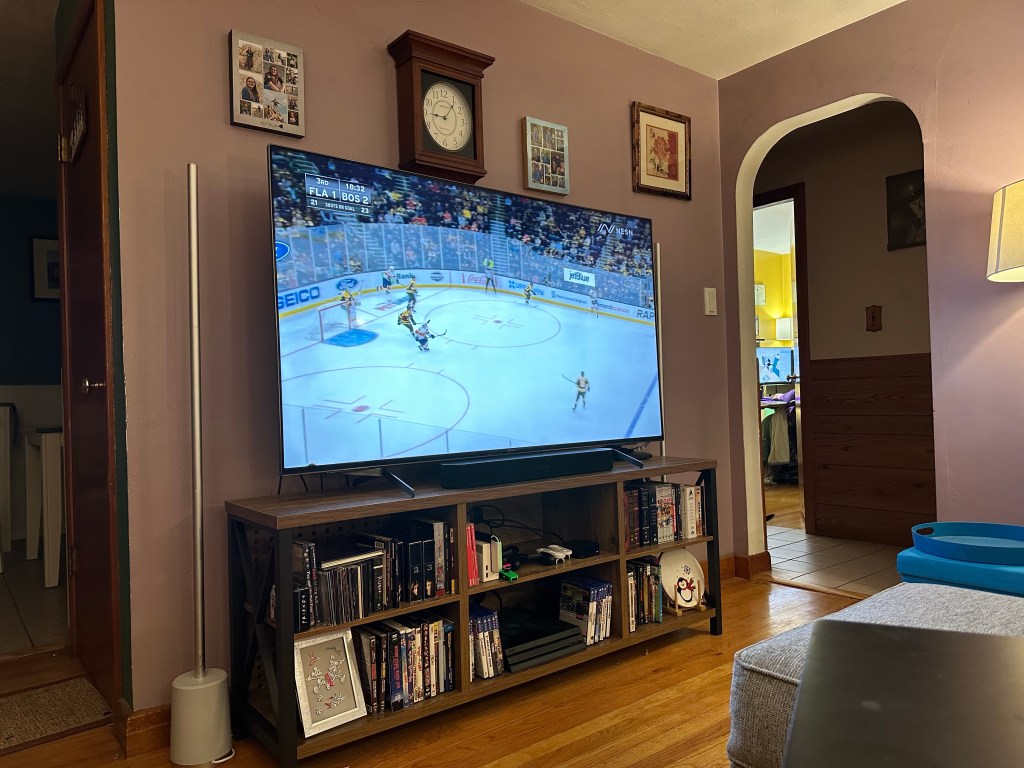
Yeah, I don’t have a cable box setup. I’m streaming the Bruins game on my laptop and air playing it to my AppleTV.
I’m either a total nerd or a super bad ass.
Pretty sure it’s nerd.
 Inside the Red Head's Head