I’m having one of those, “I want Microsoft to die and go away and never come back” kind of mornings.
Just before Thanksgiving I inherited a laptop running Windows 8.1. It has a touch screen and everything. I set it up to VPN to work and have used it twice for telecommuting so far. Today was supposed to be the third day.
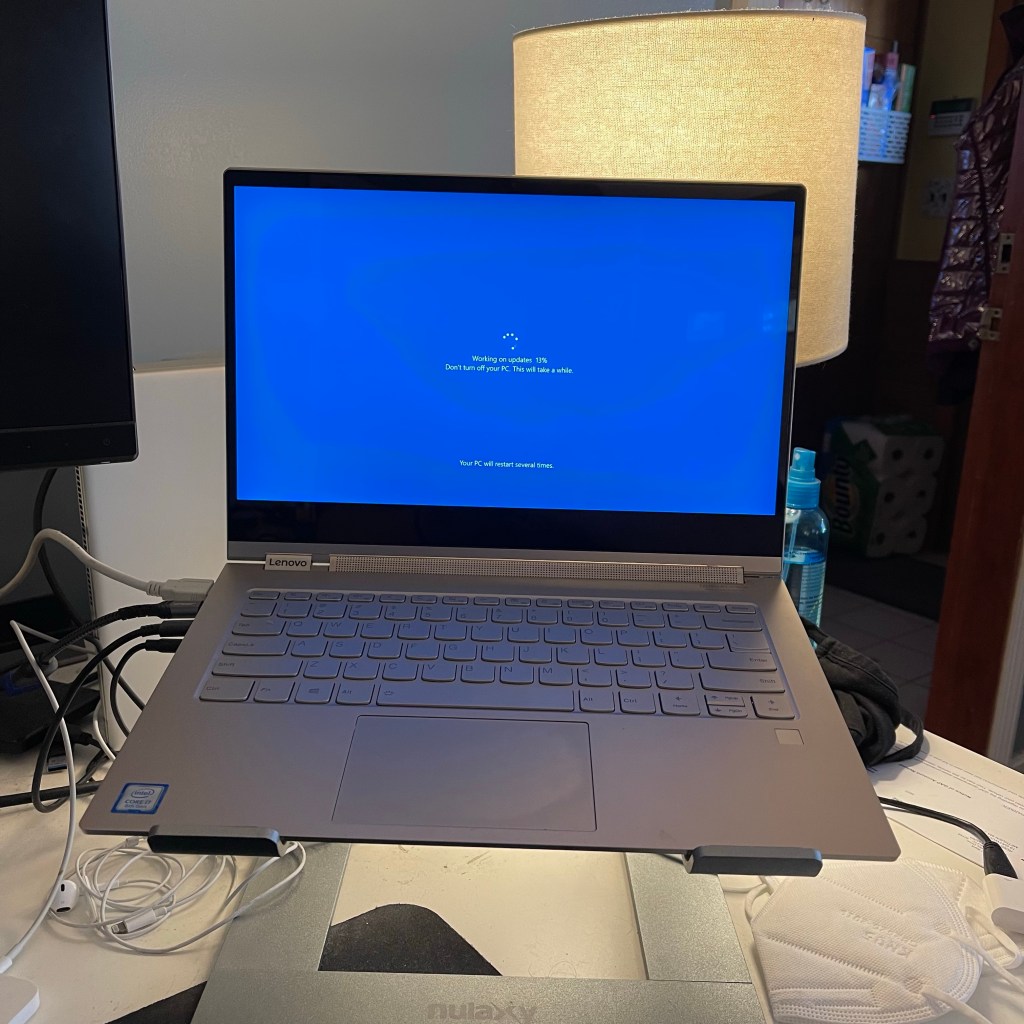
At about 8:45 I turned the lappy on and went down cellar to flip the laundry from the washer to the dryer. When I came back it was in the middle of the mean ol’ update fiasco. Windows updates were installing. Yippee. I waited for it to finish. Then it needed a reboot. Okay, so I signed in over my phone and set up my call forwarding. Then the laptop rebooted again. When it came back up it started installing another round of updates.
Screw you, thinks me.
The laptop I had used prior to this is running Windows 7 and is currently in the living room closet. I could have gone straight there and logged in the way I used to, but I tried something different.
On the same day I initially set up the Windows 8 box, I also installed the latest version of Parallels onto my MacBook Pro. I set it up to run a copy of Windows 7 that we weren’t using, and did all of the setup to connect to work. So instead of grabbing the old lappy, I grabbed the MacBook Pro.
Two minutes later I was connected to work. The Windows 8 box was starting to install a THIRD set of updates. That’s when issue number two presented itself.
My MacBook Pro has a Retina display, In English that means the display is at a ridiculously high resolution. Normally that’s awesome, but there is one instance where it actually screws things up. I used windows remote desktop client to remote connect to the PC on my desk at work. I do this every time I work from home so that I can have all of my usual stuff in the normal place. I don’t have to re-install any software or anything like that.
Unfortunately windows remote desktop tries to match the screen resolution on the remote device to the resolution on the local device. That means that everything on my work PC looks so small you can barely read any text. If I only used text editors or web pages I could just zoom in, but I don’t have that option using any of my company’s software. Everything works, it is just really hard to read. It’s usable, but only barely.
So I ended up re-installing anything I need to start the day so that I can run it on the MacBook itself. That’s all fine and dandy and working well now. Unfortunately, if I need to connect to a customer’s network it will have the same remote desktop issue I have with my office PC. While still connected to my desktop I tried lowering the resolution on the display, but those options are not available when remote connected. I didn’t know that. Crap.
Off to Google we go! I learned how to set up remote desktop to open full screen. That was nice. It didn’t solve the problem though. I continued looking around and found three different Microsoft forum questions asking about my issue and in each case the solution was…
Wait for it…
There is no solution. The best suggestion was to lower the screen resolution on the target machine before you remote connect to it. That means I would have had to change the resolution last night before I left work. Ummm… yeah.
So at lunch time I am going to the living room closet and getting the Windows 7 laptop. I know I can get the problem on the Windows 8 machine fixed (I am guessing I know what the problem is), I just don’t have time to do it right now. I can handle the MacBook for a couple of hours, but if I have to remote to a customer it will be tough. During lunch I’ll have enough time to switch over to the other machine.
What a pain in the ass. Thanks for sucking, Windows.


 Inside the Red Head's Head