Apple iie

Daily writing prompt
Write about your first computer.

My father bought our first computer from what was probably the only computer store in Tewksbury, MA. It was on Main street sort of near the intersection with Chandler street. I’m not sure what is there now. It had a monitor, a keyboard, and two floppy drives. I believe it was 1983. 

It looked like this:

Apple IIe and Bank Street Writer
I found this image on Flickr. Click to view the original post.*

I don’t recall the specs beyond that. Maybe before I click publish I’ll ask the stupid AI Assistant if it knows. I do remember we had a joystick but it didn’t work very well. We also had a modem wired into our telephone. We could plug a phone line into the computer, connect it to the phone, and dial out direct. We used it to call some old bulletin board services. It was completely epic, like the movie War Games but without the treason or the nukes. Unfortunately the modem was so slow it made the whole experience useless. We did have a text chat with some random person once. That was ground breaking, indeed.

I used it for school to write papers and essays. We had a word processor program that worked pretty well. I also played a lot of games, but that experience wasn’t quite as good as what we had over at Mike the (future) Bass Player’s house as he had a Commodore 64 which was a better gaming platform. We had a great baseball game and an olympic decathlon game that was really fun but difficult. We had a text based game that I think was a Zork knock off that I seem to remember was called Mobius.

It was a great computer. Eventually, at some point in the 90’s, my father had a friend who built IBM clones and we moved on to Windows 3.1. I messed with Macs for the first time when I was at Northeast Broadcasting School in ’93 (I think?), and then when I went to Middlesex Community College I took a class called Intro to Computers that covered an office suite called Claris Works that also used a Mac. Later, while at UMass Lowell (for my second time around) I got a job at a computer lab where I was tasked with putting a tech focused talk show onto the radio station. My desk had a Mac Quadra that I used for editing audio. I also used a program called Nifty Telnet that let me connect to the university’s Unix system so I could do my programming homework. That machine was epic. I didn’t become a Mac owner until years later, after I moved in with Jen. I got a MacBook Pro and have literally never looked back. I am 100% invested in the Apple echo system now. MacBook Pro, iPhone, iPad, AppleWatch, HomePods all over the house. How long until they pull me into the new Vision Pro? Someday.

There you have it, my first computer was an Apple iie and it made me the computer nerd I am today. Thanks for listening to my Ted Talk.


Hey, AI Assistant, what were the specs for an apple iie?

The Apple IIe, released in 1983, featured a 1.023 MHz 65C02 processor, 64 KB RAM, and used 5.25-inch floppy disks for storage. It also supported a lowercase character set, which was an improvement over its predecessors. The computer sported a sleek design and was compatible with a wide range of peripherals, making it a popular choice for educational and personal use.


* I was going to send the owner of the Flickr account a request to use the image on my page but it hasn’t been active for 12 years. Fortunately, it did have a license listed on the page which allows for use of the image for non-commercial purposes so long as I credit the owner. The link in the caption should suffice as a credit. Click it, please. That means I can never monetize this post. That’s fine as I have no plans to monetize this site ever. Thanks, mysterious Flickr account!
Doofus Moment

Way to go, Apple Fan Boy. Way to miss out on the simplest, yet ridiculously useful function available on your Mac.

There I was, thinking that I could only use the Messenger Application with fellow Apple folks.

Imagine my surprise when I was a single check box click away from having all of my SMS messages show up on my computer.

Ugh… dumb ass.

What was it Brody said? Here is your finger, far from the pulse, shoved straight up your ass? Something like that.*


*That’s a Kevin Smith reference. Jay and Silent Bob Strike Back. Would you like a chocolate covered pretzel?

Photo Booth?

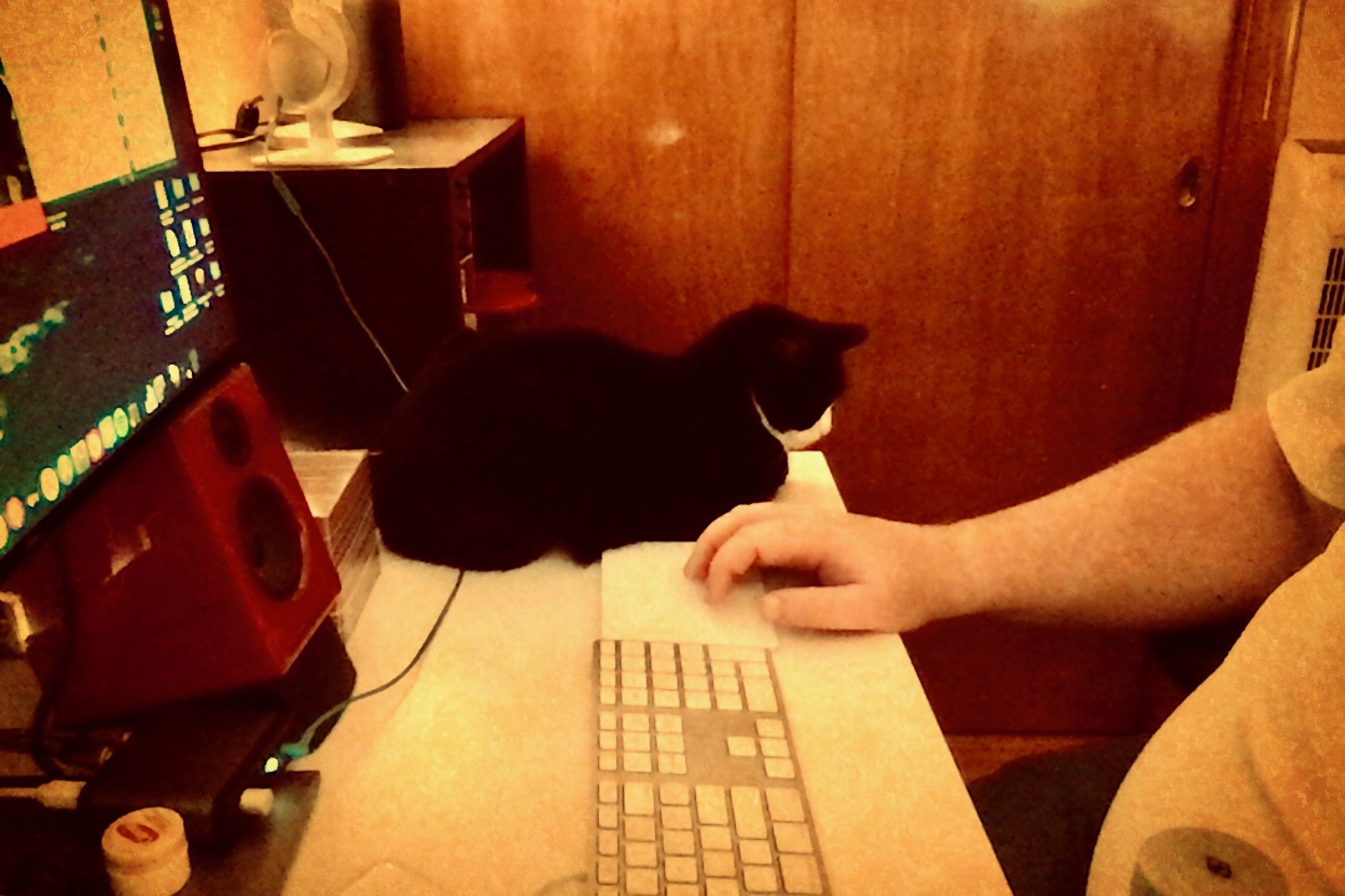
Patches was laying down on my desk.  I thought it was a good candidate for today’s photo-a-day.  Unfortunately she was sitting on my phone, and my Nikon was not quickly accessible.  What can I do?

Well, I have a webcam on my laptop.  Could I use that?  I did a Spotlight Search for camera and webcam but they didn’t turn up anything useful.  I checked Launchpad to see if there was a camera app of some kind.  That’s when I saw it.

Photo Booth?

Is that still a thing?  I popped it open and sure enough, it’s still a thing.  I angled my lappy to face the cat and BANG, photo acquired.  I opened it up in Photos to clean it up a little and, as always, was a tiny bit saddened by the lack of groovy filters.  I messed around with it a tiny bit and then clicked the export button to see what my options were.  It used to be able to connect to Flickr, but not any more.  I clicked the “more” option at the bottom of the drop down and saw something I never noticed before.

Extensions?  In Photos?  Huh.

There were no options available but I wasn’t ready to let it go so I did something I never do… I went to the Mac App Store.  I searched for Photos Extensions and sure enough a few things came up.  I searched for Photos Filters and much to my surprise a Free app displayed.  I figured I would install it just to use it as a guinea pig for the Photos extensions.  Much to my surprise, it worked!

Now my Flickr Photo-a-Day pic is a Photo Booth snap, edited in Photos, using a third party filter app.  It’s just a day of firsts for me!

253/365 - I took this with Photo Booth because... it was there.

Desk Craziness

Forgive me, but I am going to reuse a picture I posted yesterday.

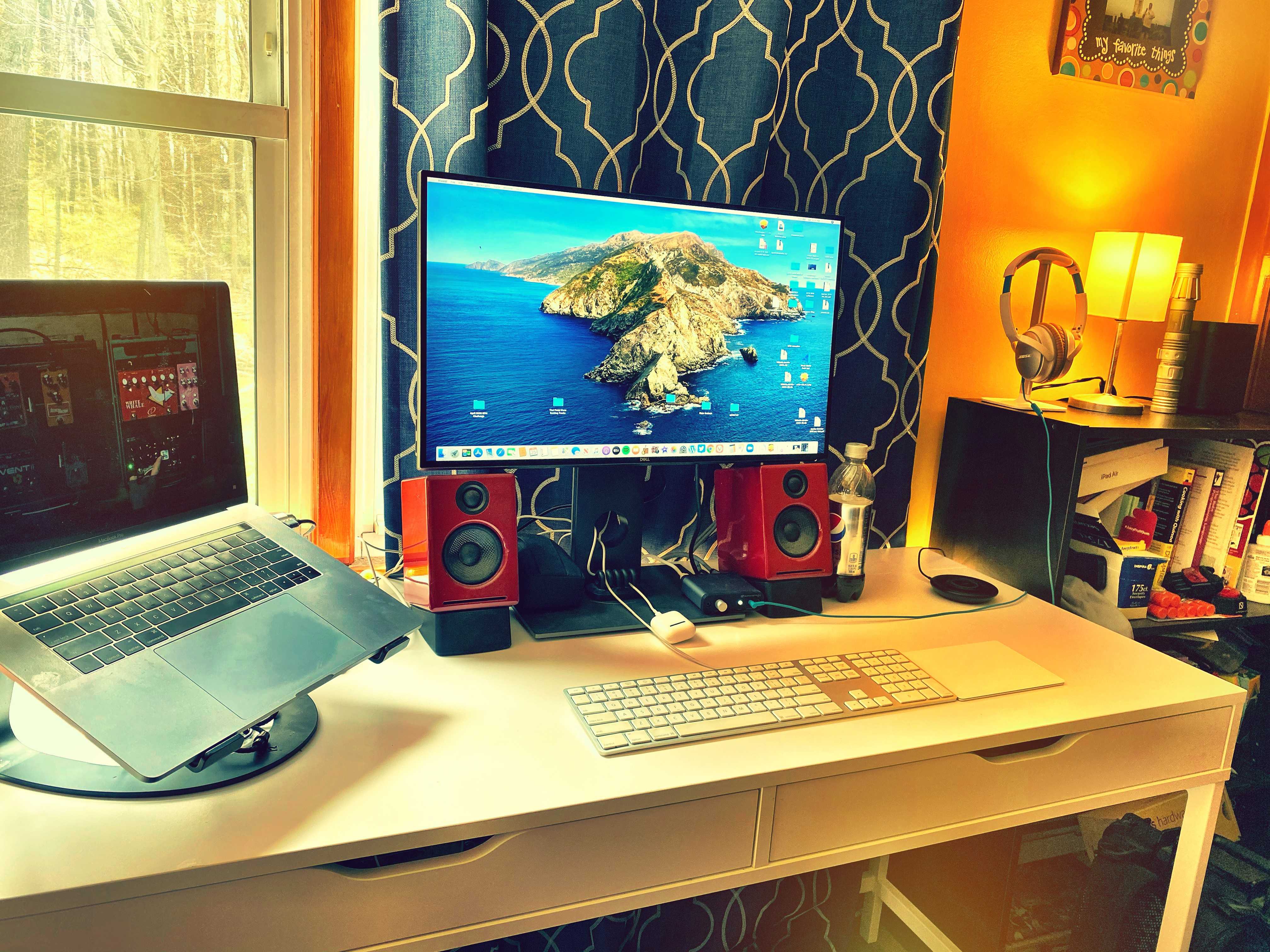
Working from home has caused some desk setup questions that I didn’t want to deal with, but I think I finally have.

Prior to social distance I had two laptops on my desk in our home office.  I used my MacBook Pro along with a second monitor for all but the eight hours I was telecommuting on Thursdays.  While telecommuting, I switched to a second laptop, running Windows 10.  I used the same second monitor.  I have a 3-1 adapter that has a USB 2.0, HDMI, and USB C input into a single USB C plug.  I had my USB dock, my monitor, and my power all running into it.  When I switched from Mac to Windows I’d just pull the adapter out of one machine and plug it into the other.  Done.

Once the lockdown started I brought my work PC home from Waltham and used that instead of the Windows laptop.  I couldn’t use the same monitor cable for both machines, and the desktop doesn’t have a USB C port, so I was pulling plugs in and out twice a day.

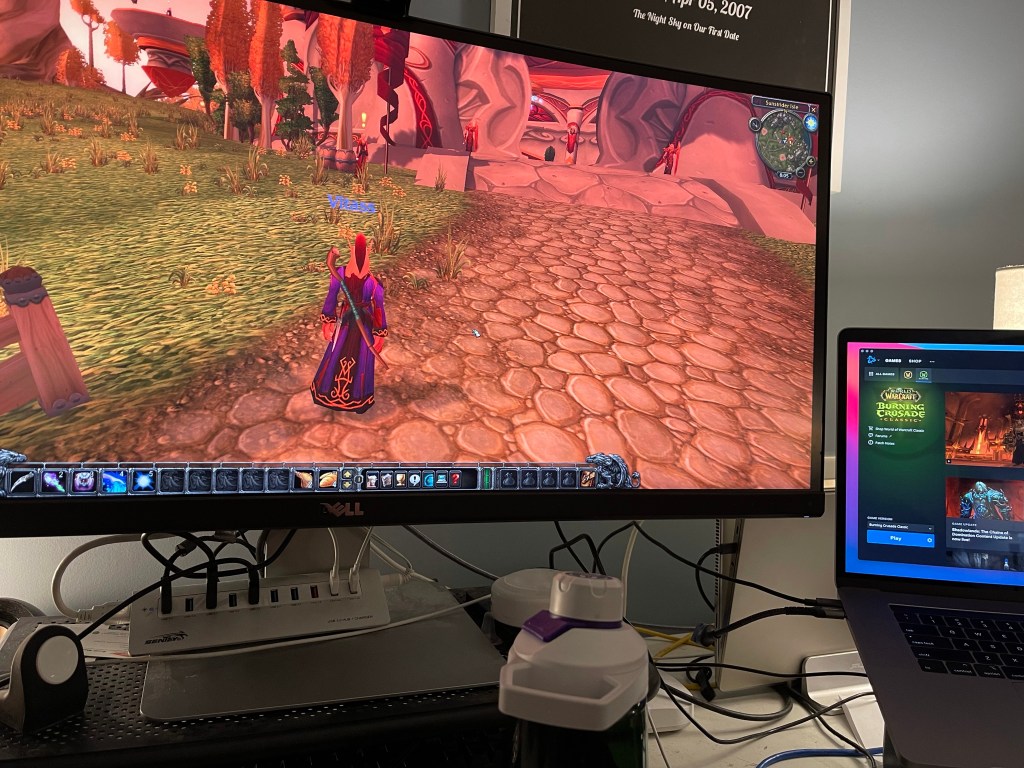
On top of that, Jen and I are both working from home, both in the same room, and both having to join meetings at the same time.  To deal with this I moved my Windows laptop to our bedroom and jokingly called it the conference room.  At first I was using a dinner tray table as a desk, then I setup one of Jen’s old desks instead, and then Jen brought a monitor, a keyboard, and a mouse out and turned the spot into an actual work station.

Yesterday Jen and I both had meetings scheduled for the better part of the day so I bit the bullet and moved my Waltham desktop into the bedroom and spent the whole day in there.  I was planning to move it back to the office this weekend, but instead I talked it over with Jen and we decided to keep a Windows desk in the bedroom and an Apple desk in the office.

Now I am a two desk crazy person.  Certifiably.

237/365

Untitled

The minute the lock down ends, my Waltham machine goes back to Waltham and I move all my stuff back to the office. This is temporary.

Happy Birthday, Mac

Today is the 30th anniversary of the Macintosh computer. I guess technically it’s the anniversary of the actual first Mac purchase. Or something like that.

http://www.youtube.com/watch?v=Z8ji0B98IMo

You’ve come a long way…

The hello image comes from http://www.computerhistory.org.