I have a new workspace for telecommuting. I had a desk in the cellar that had a work computer section and a personal computer section. When I took my photo a day pic at lunch time or whatever, I could plug my Nikon Z5 into my personal computer, a MacBook Pro, and pull the RAW file into Apple Photos, convert it to a PNG, and then upload it to Flickr.
On the new desk, I don’t have the Mac next to me. It’s just Windows. That means I don’t have a way to convert from RAW to something else. I suppose I could find an app to do it, but I don’t want to install anything on my work laptop. Instead, I changed my camera workflow a little. Instead of saving RAW files, I am not saving a RAW file and a JPEG. I’m also saving the two formats to separate memory cards. RAW goes to the card in slot one, and JPEG goes to the card in slot two. That means I can put the JPEG card into my USB card reader, and upload to Flickr directly from the card. That way I am not saving anything to my work computer, and I can still take care of my photo a day thing during the work day.
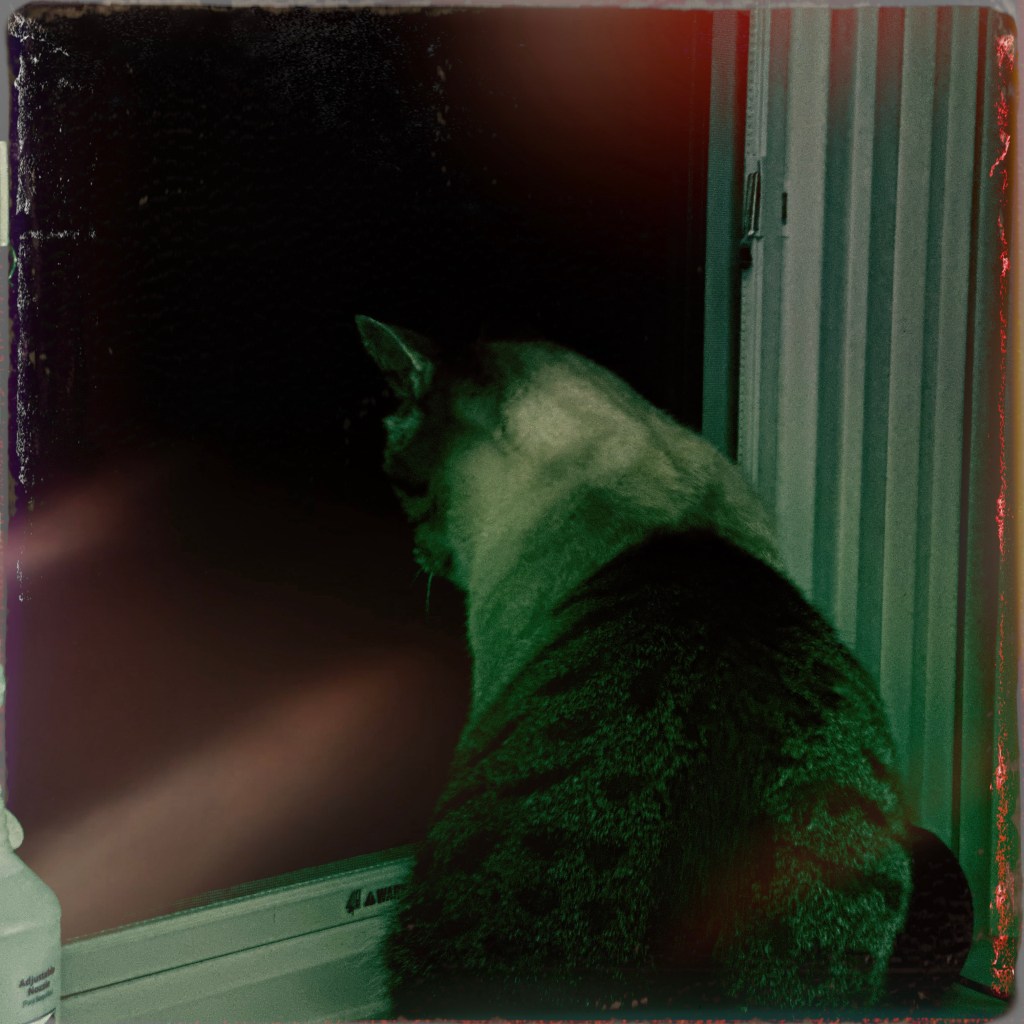
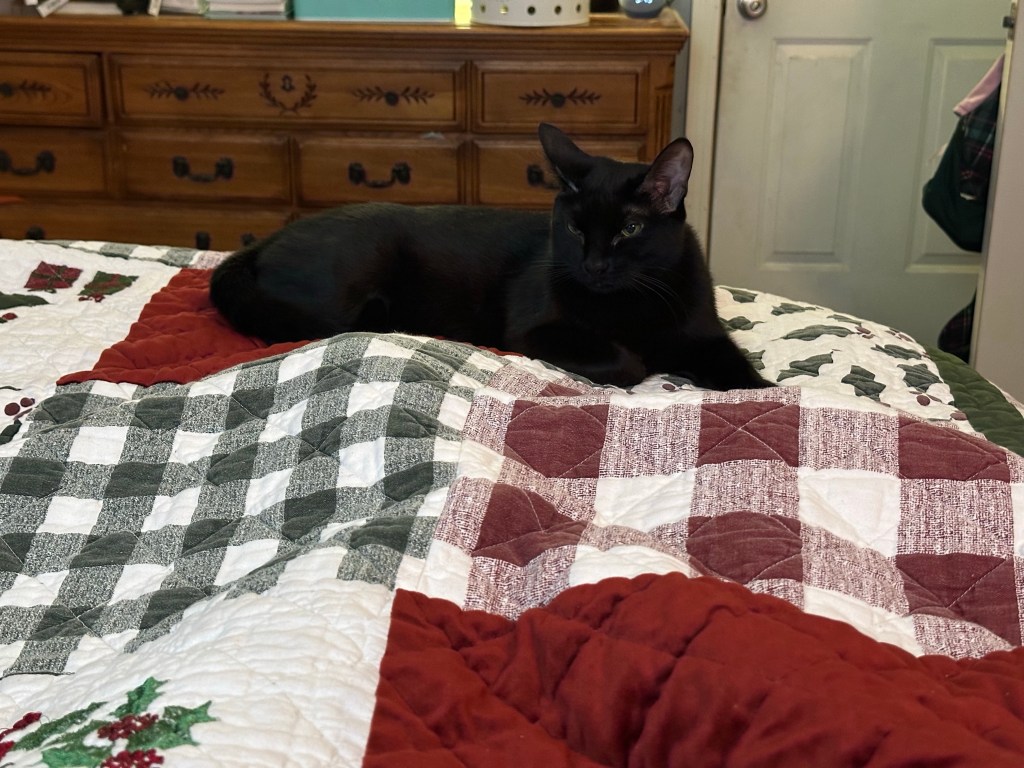
Here is proof that it works:

Success, babie!